注意:司机师傅必须有下载手机跟踪软件Navisphere,才能够得到全新空柜单子。
请仔读每个步骤,如有疑问请随时联系我们帮助下载。
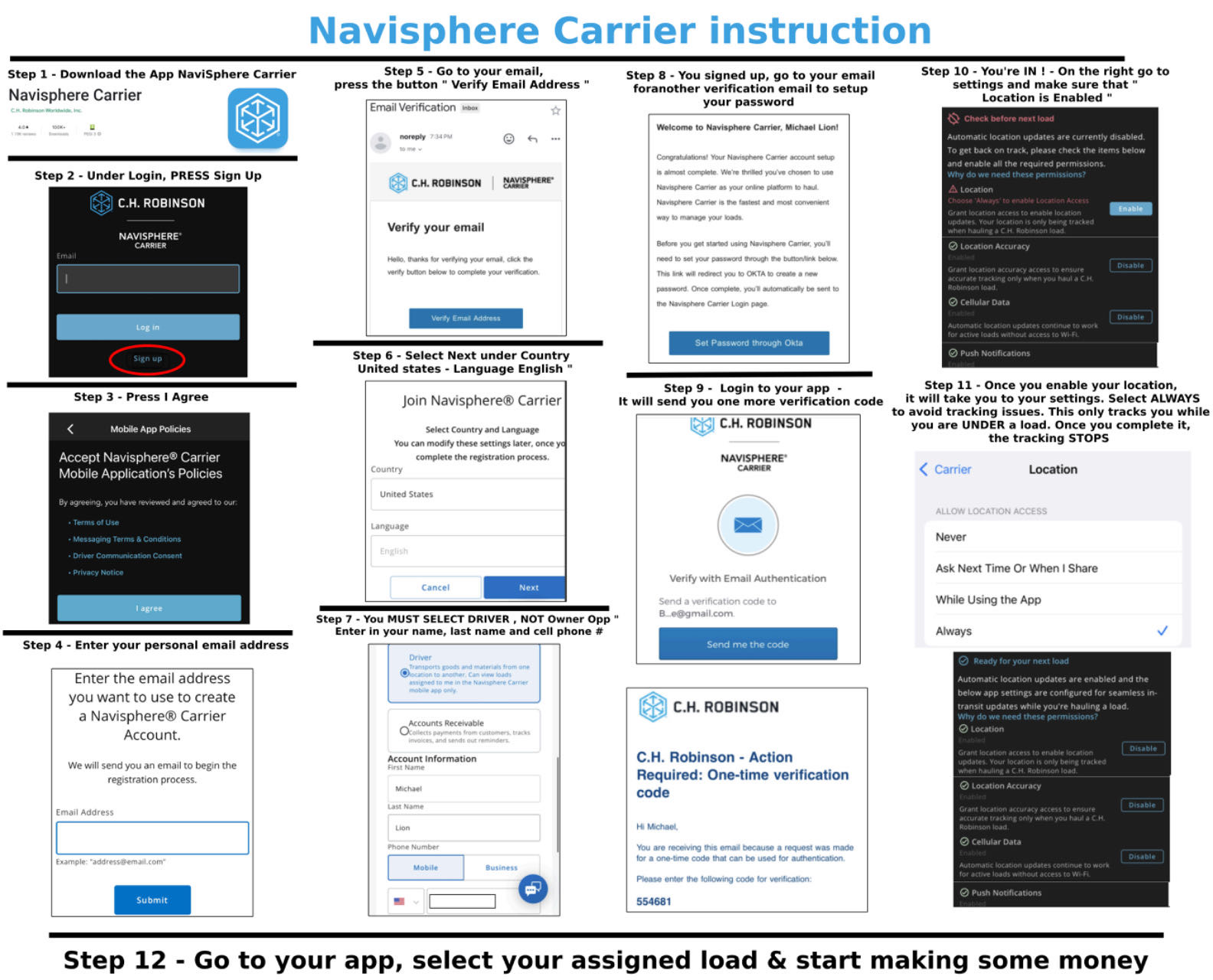
更多详细中文说明,请往下翻读。
Below are steps the driver need to do:
Step 1 - Download the App NaviSphere Carrier
Step 2 - Under Login, PRESS Sign Up
Step 3 - Press I Agree
Step 4 - Enter your personal email address
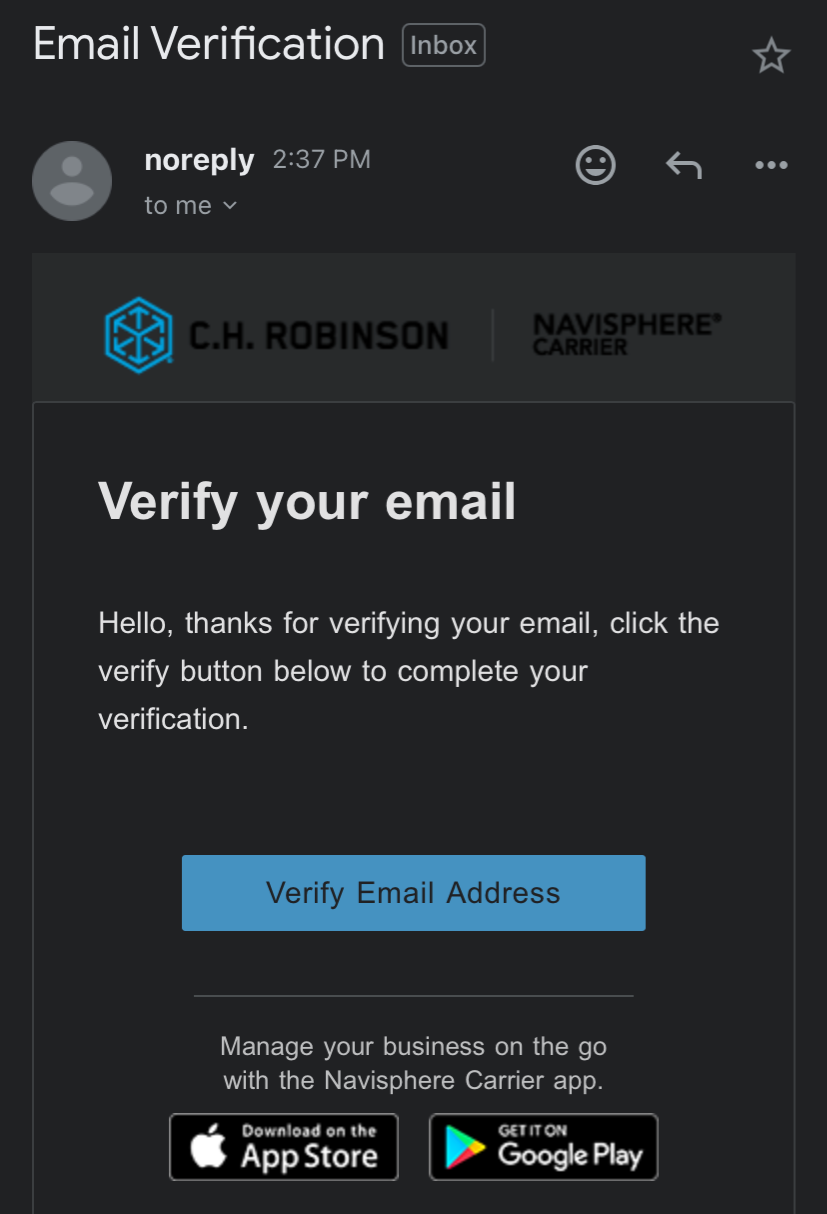
Step 5 - Go to your email, press the button " Verify Email Address "
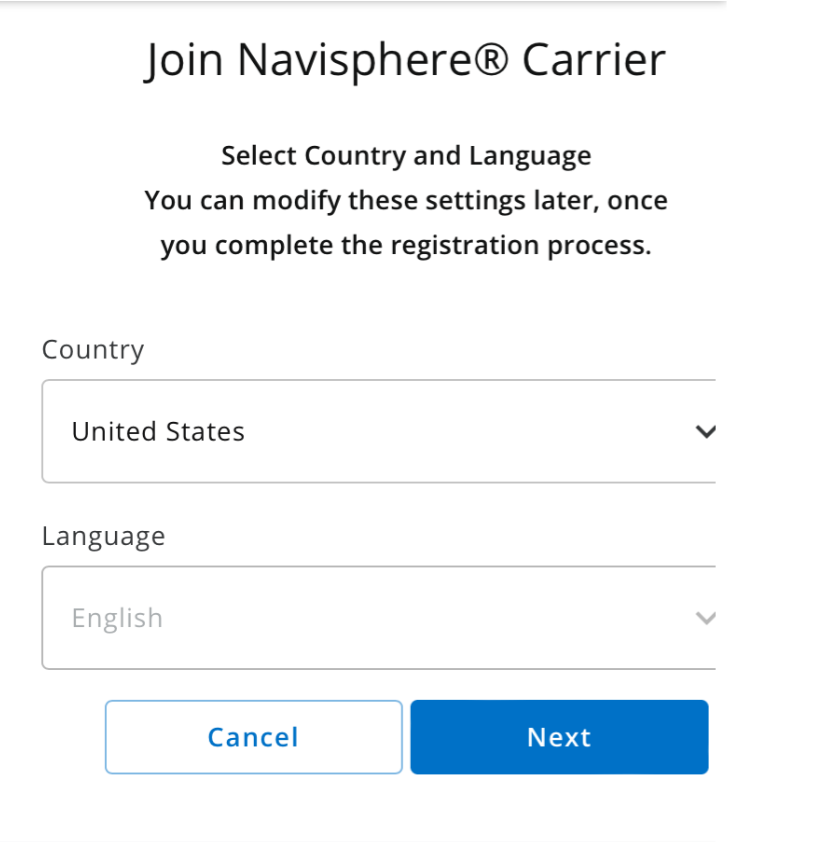
Step 6 - Select Next under Country United States - Language English
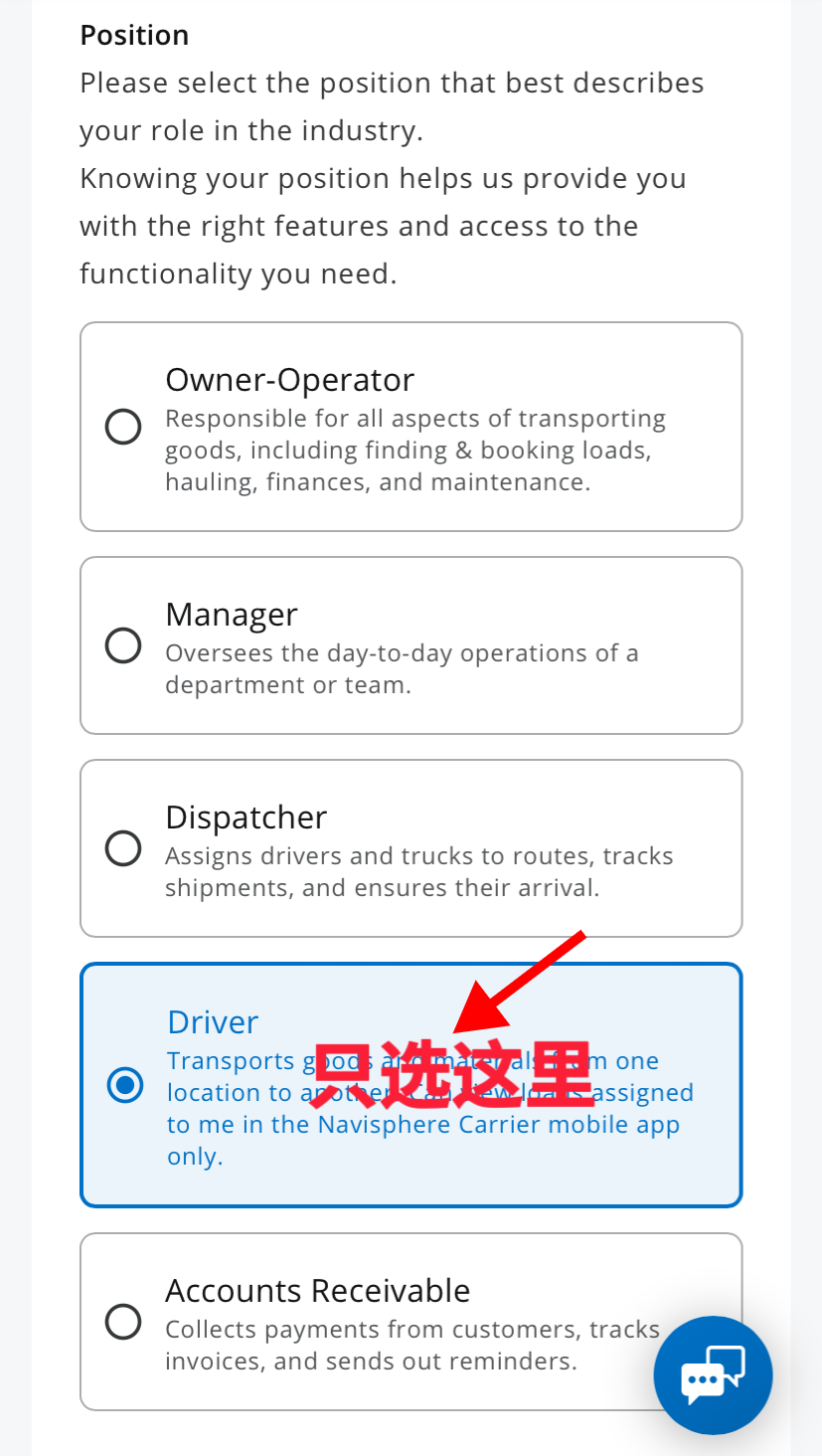
Step 7 - You MUST SELECT DRIVER , NOT Owner Opp, Enter in your name, last name and cell phone #
Step 8 - You signed up, go to your email for another verification email to setup your password
Step 9 - Login to your app - It will send you one more verification code
Step 10 - You are IN NOW! - On the right go to settings and make sure that " Location is Enabled "
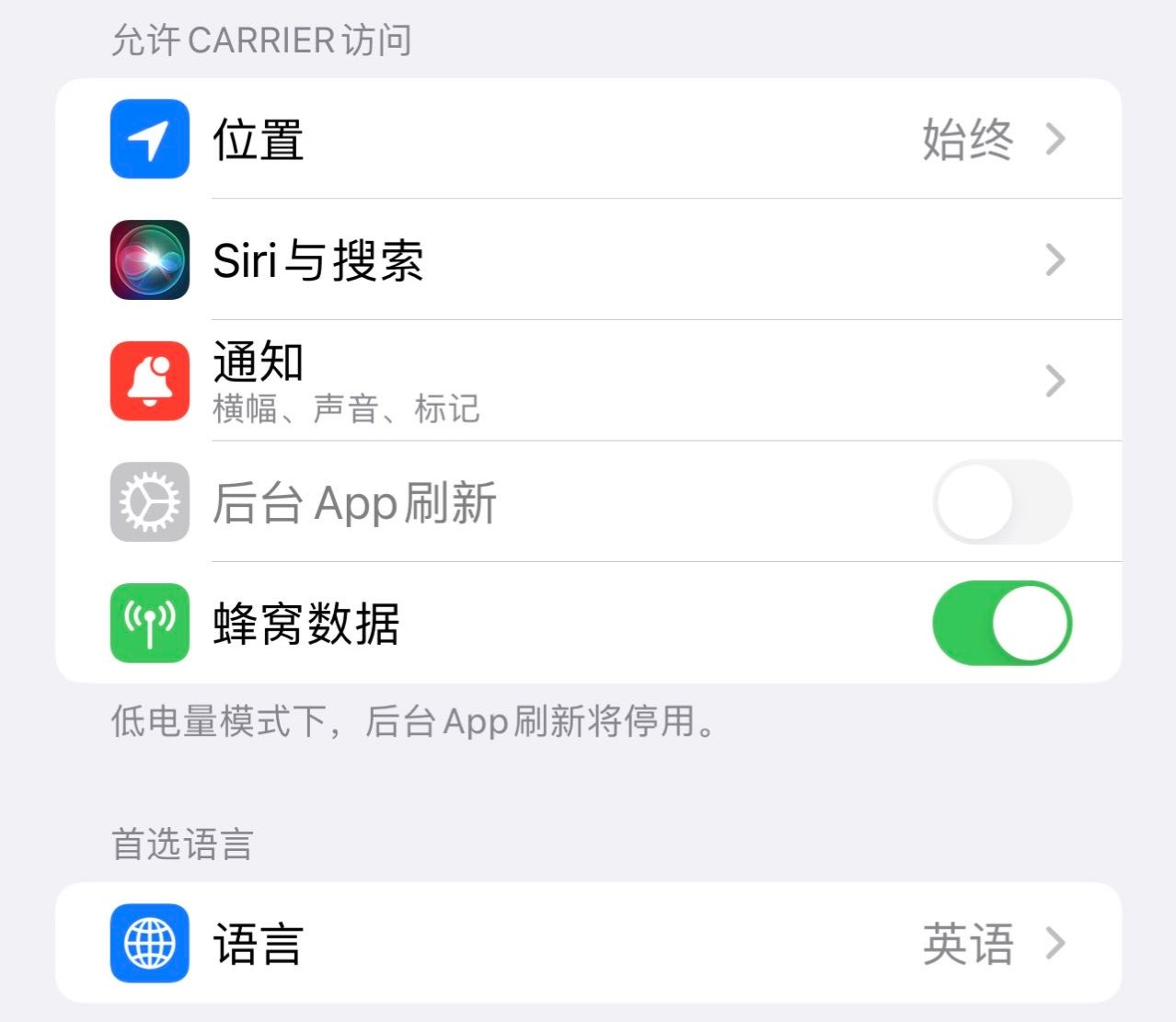
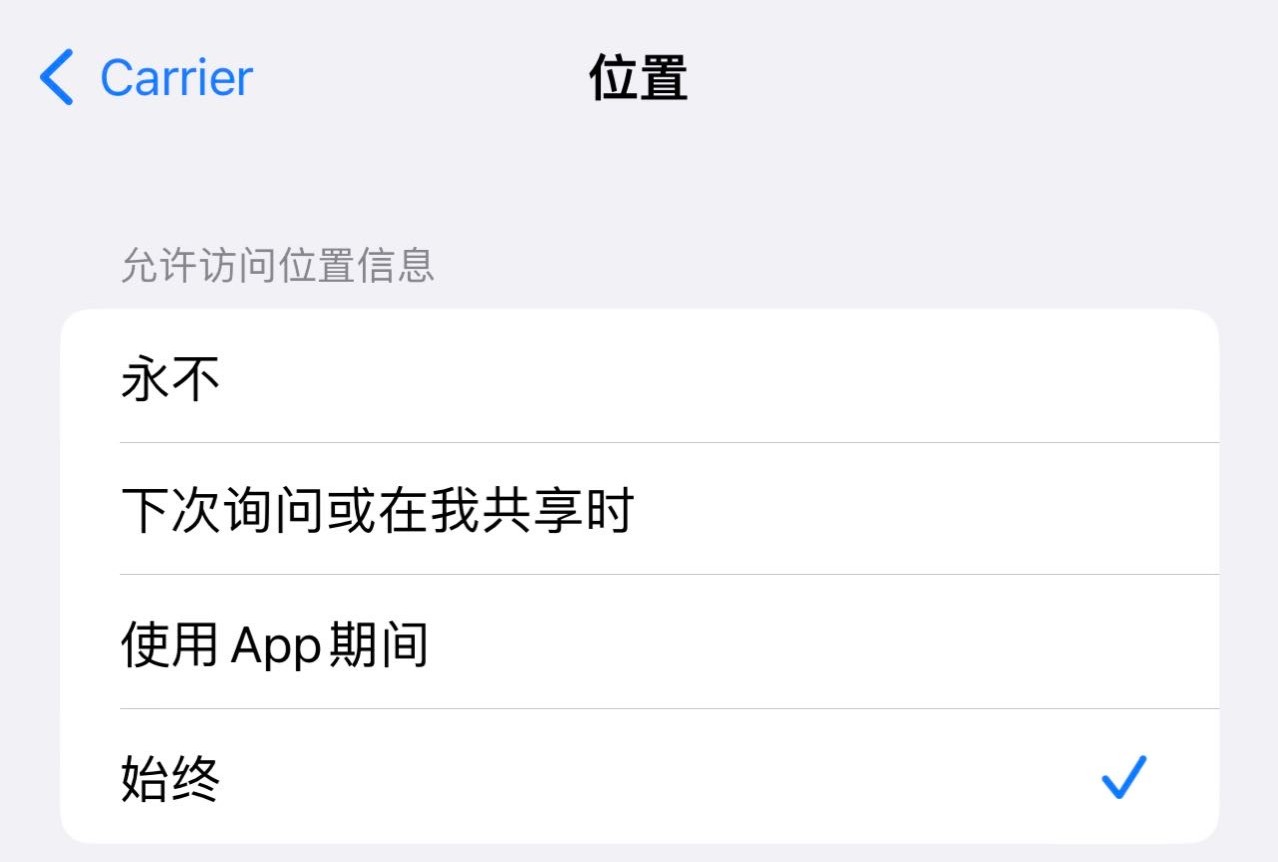
Step 11 - Once you enable your location, it will take you to your settings. Select ALWAYS to avoid tracking issues. This only tracks you while you are UNDER a load. Once you complete it, the tracking STOPS
Step 12 - Go to your app, select your assigned load.
第1步:下载 Navisphere APP;
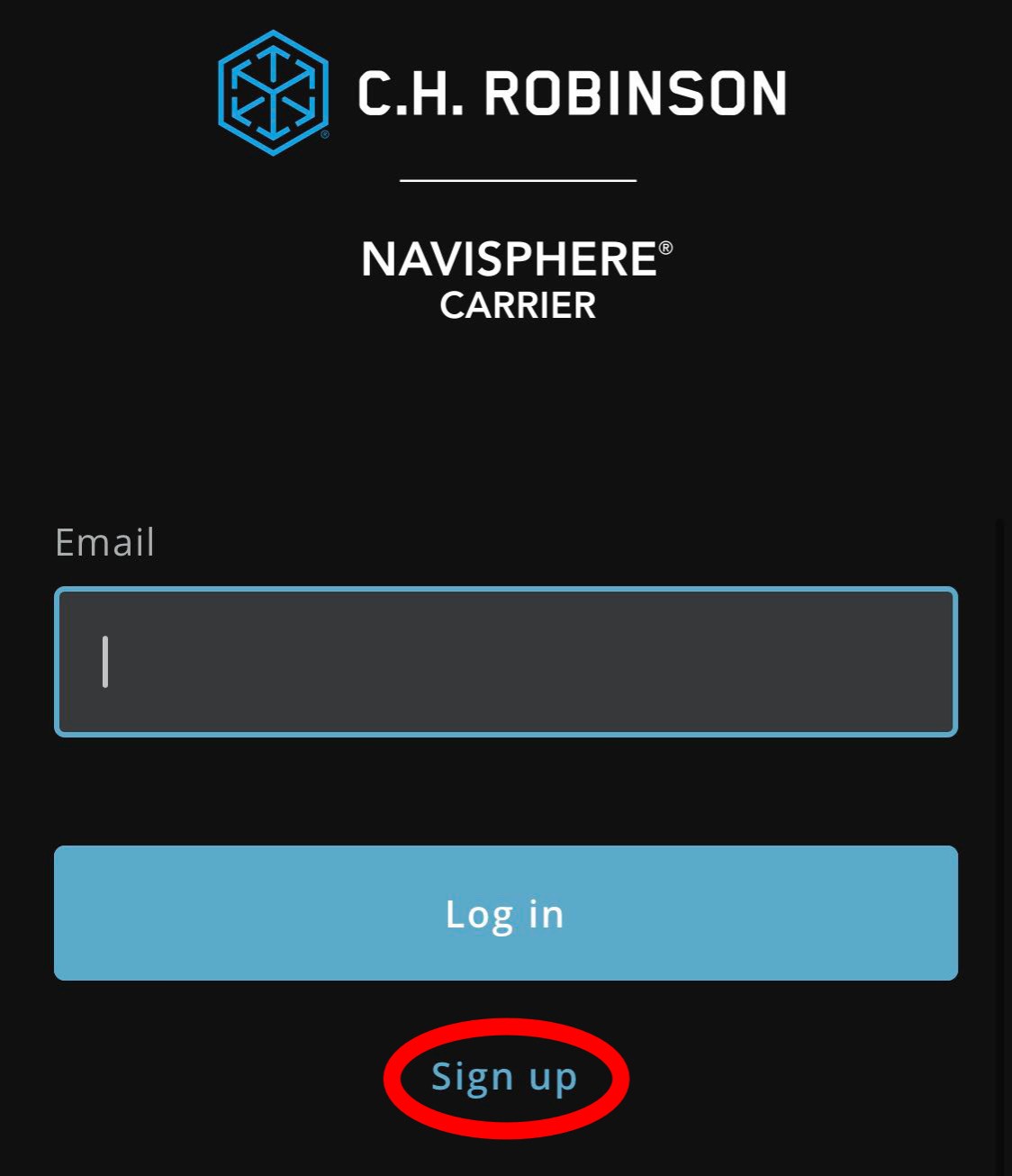
第2步:直接就按 Sign up;
第3步:按 I agree;
第4步:输入你的电子邮件后按 Submit;
第5步:进入自己电子邮件,按 Verify Email Address;
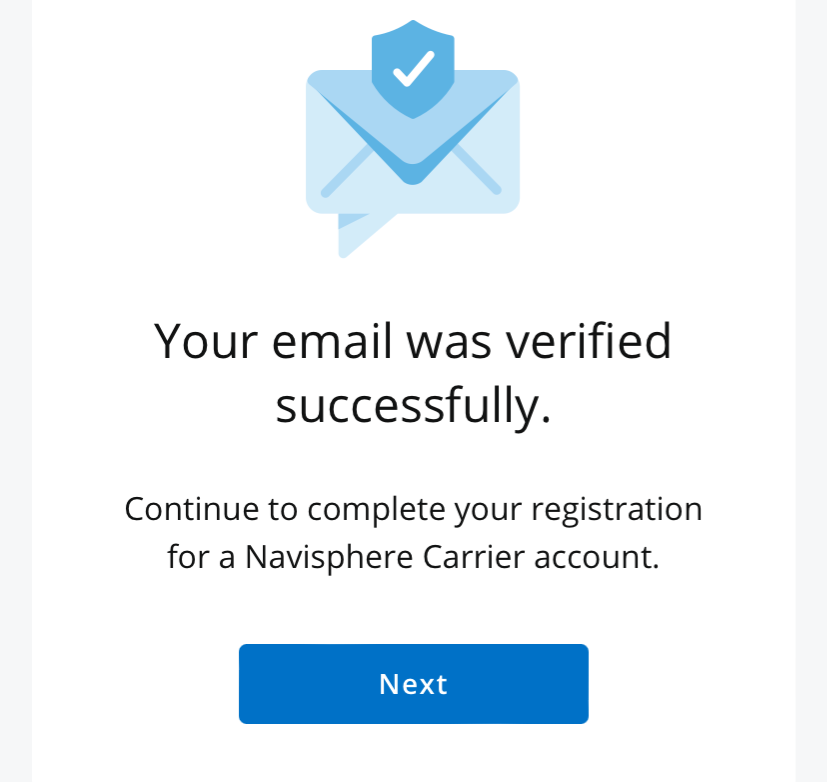
第6步:按 Next 下一步,国家选 United States,语言选 English;
第7步:一定只选 Driver 选项,见图如下,输入姓名与手机号。
第8步:这时你又收到一个电子邮件,设置 APP 密码,见下面图所示。
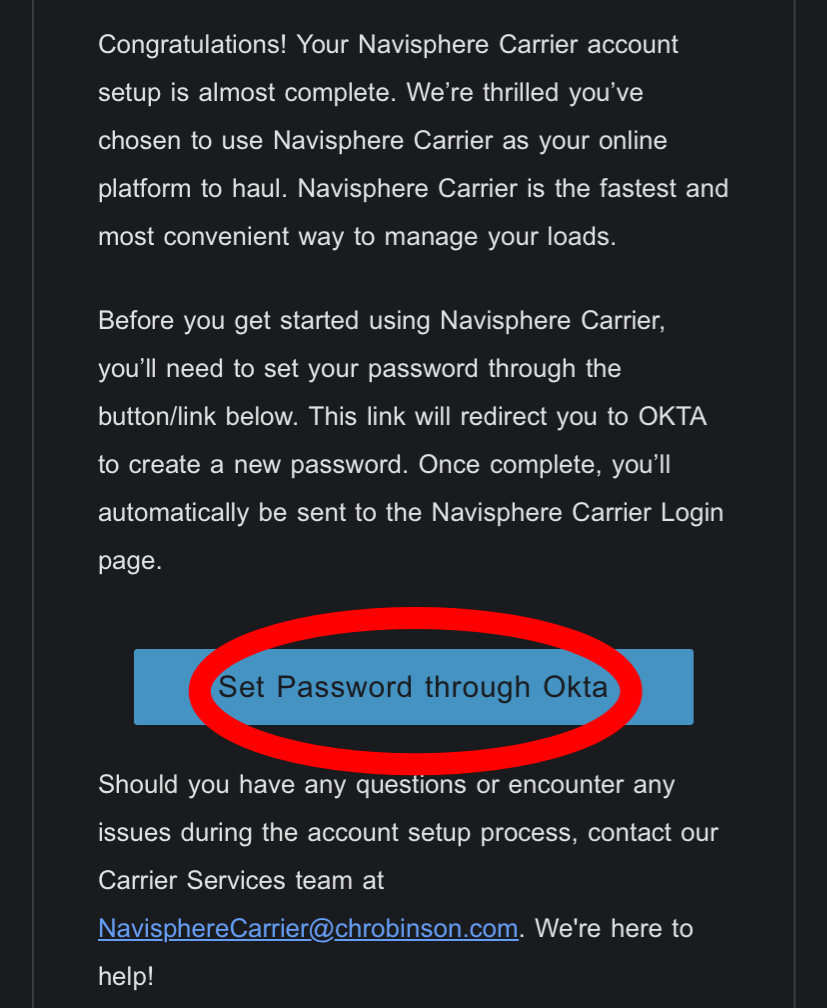
注意:系统设置的密码必须八位字以上,并且密码必须必须必须包括至少有一个大写字母,一个小写字母,一个数字。
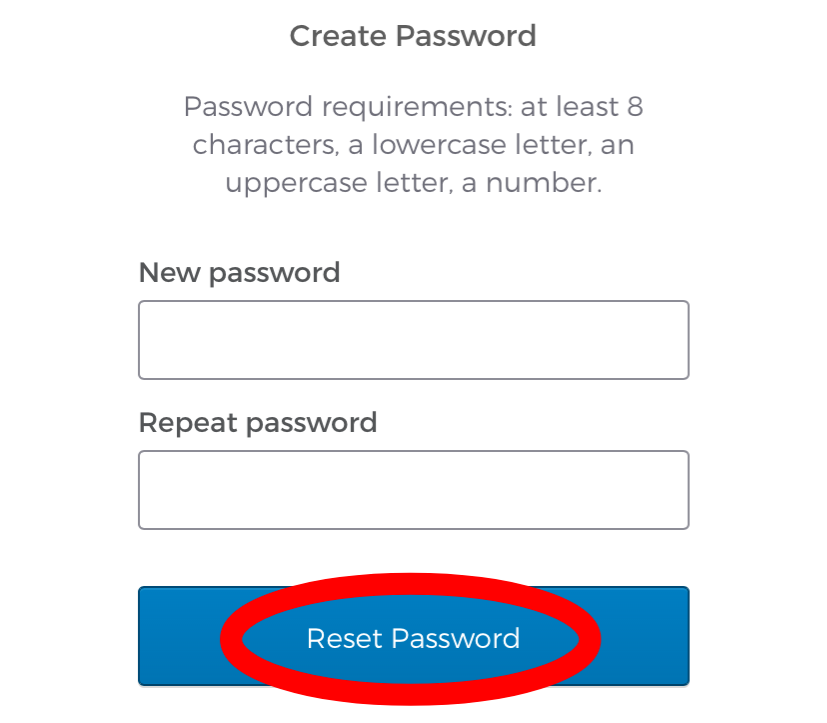
第9步:Login 进入 APP 时,会再次电子邮件你数字验证码;
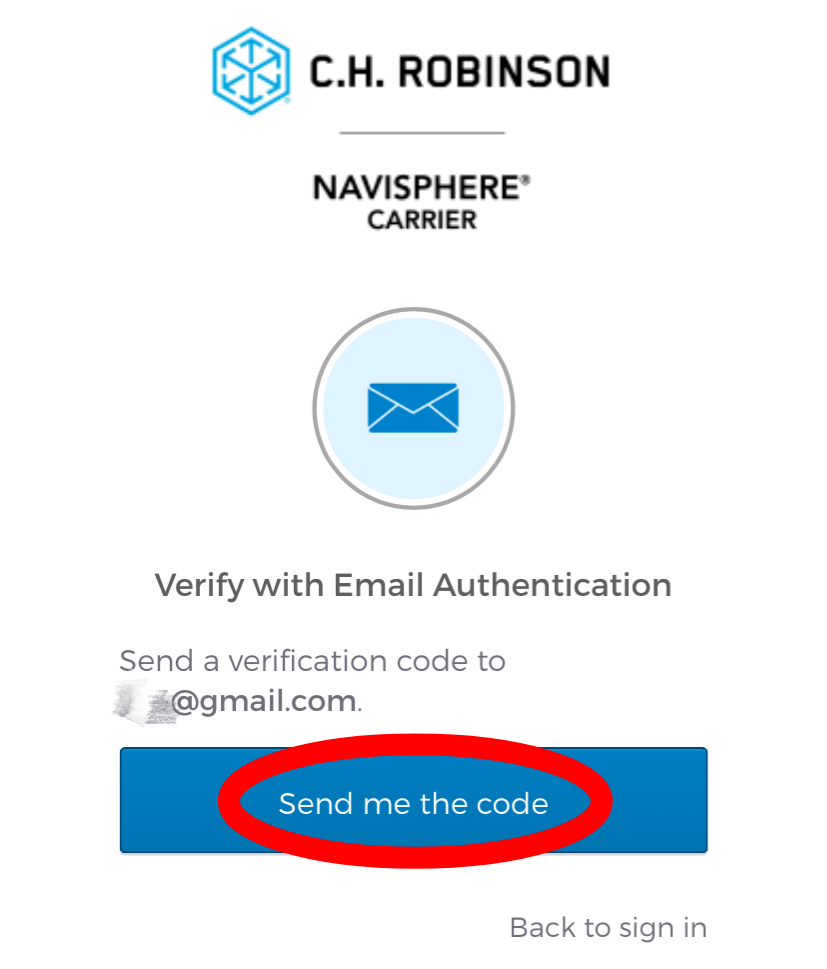
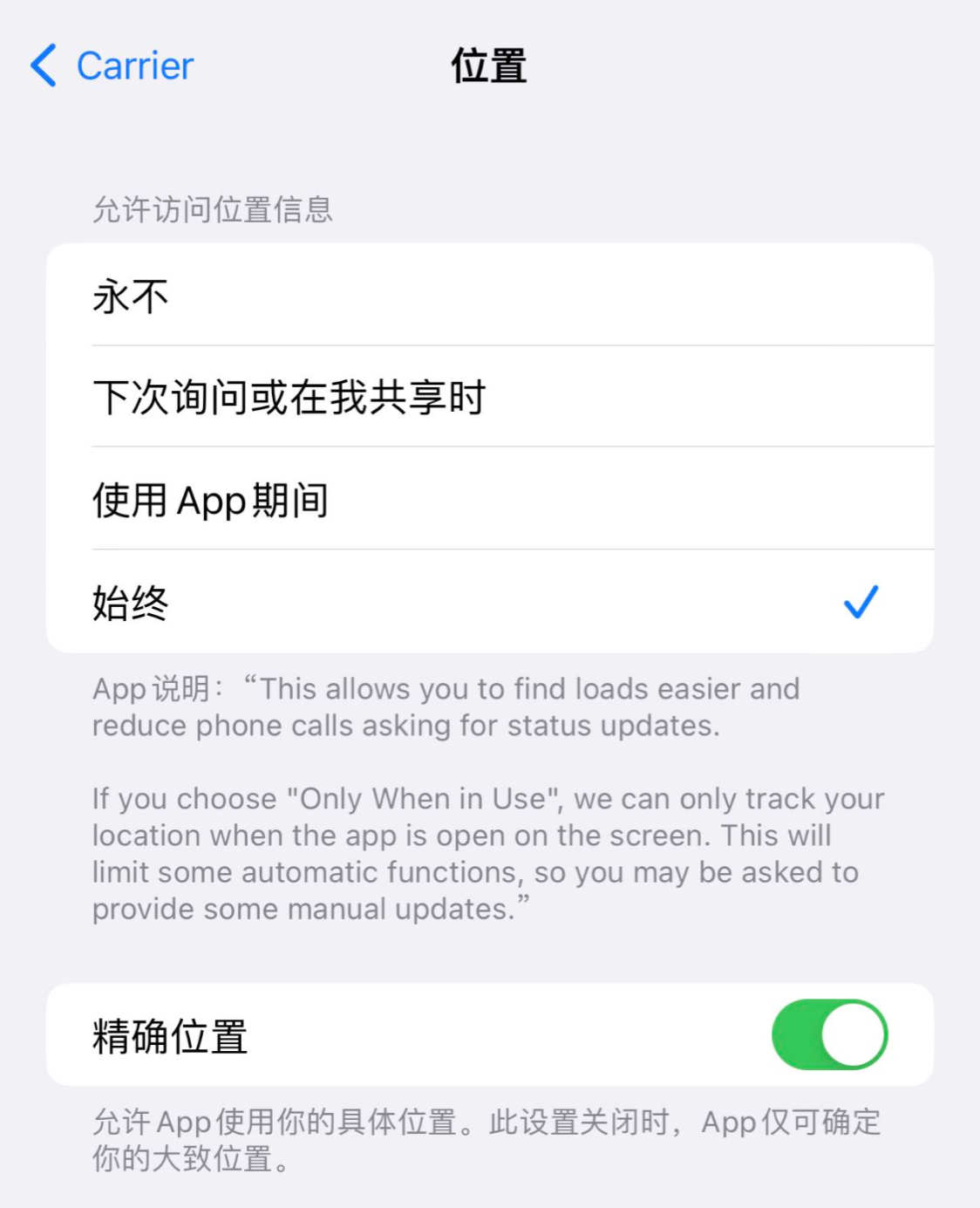
第10步:点击页面右下角 Settings ,允许位置分享,见图所示:(非常非常重要!)
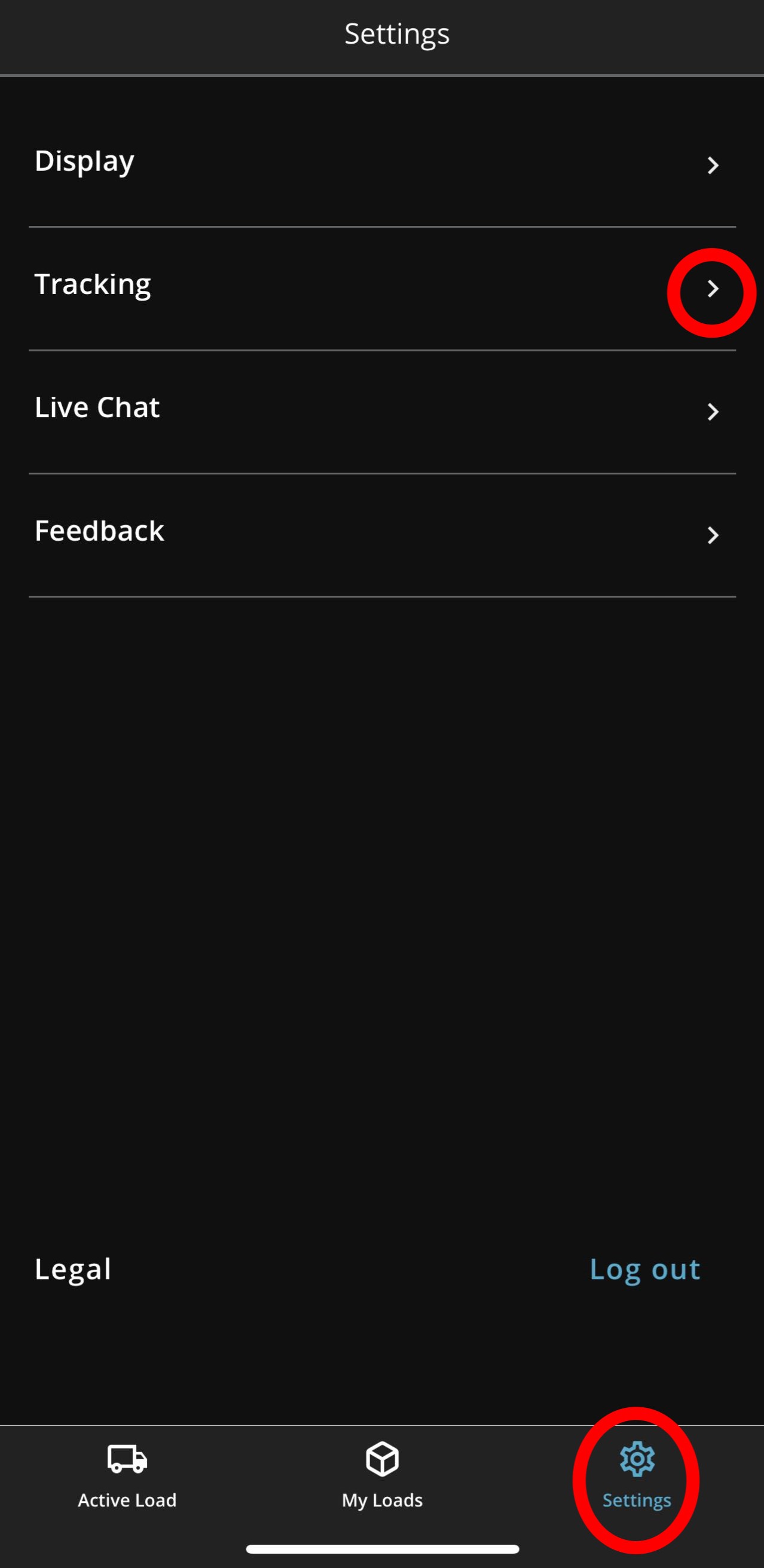
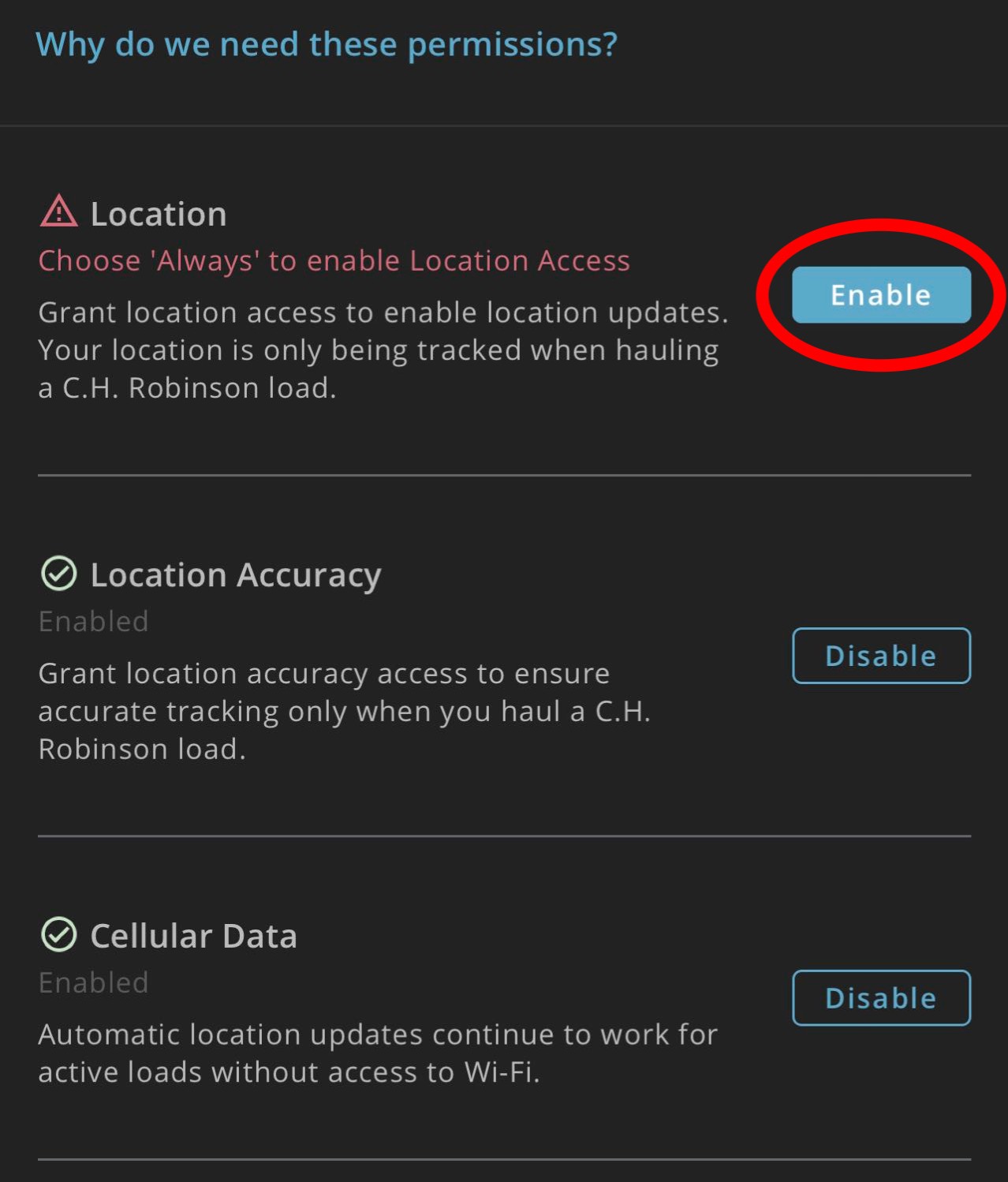
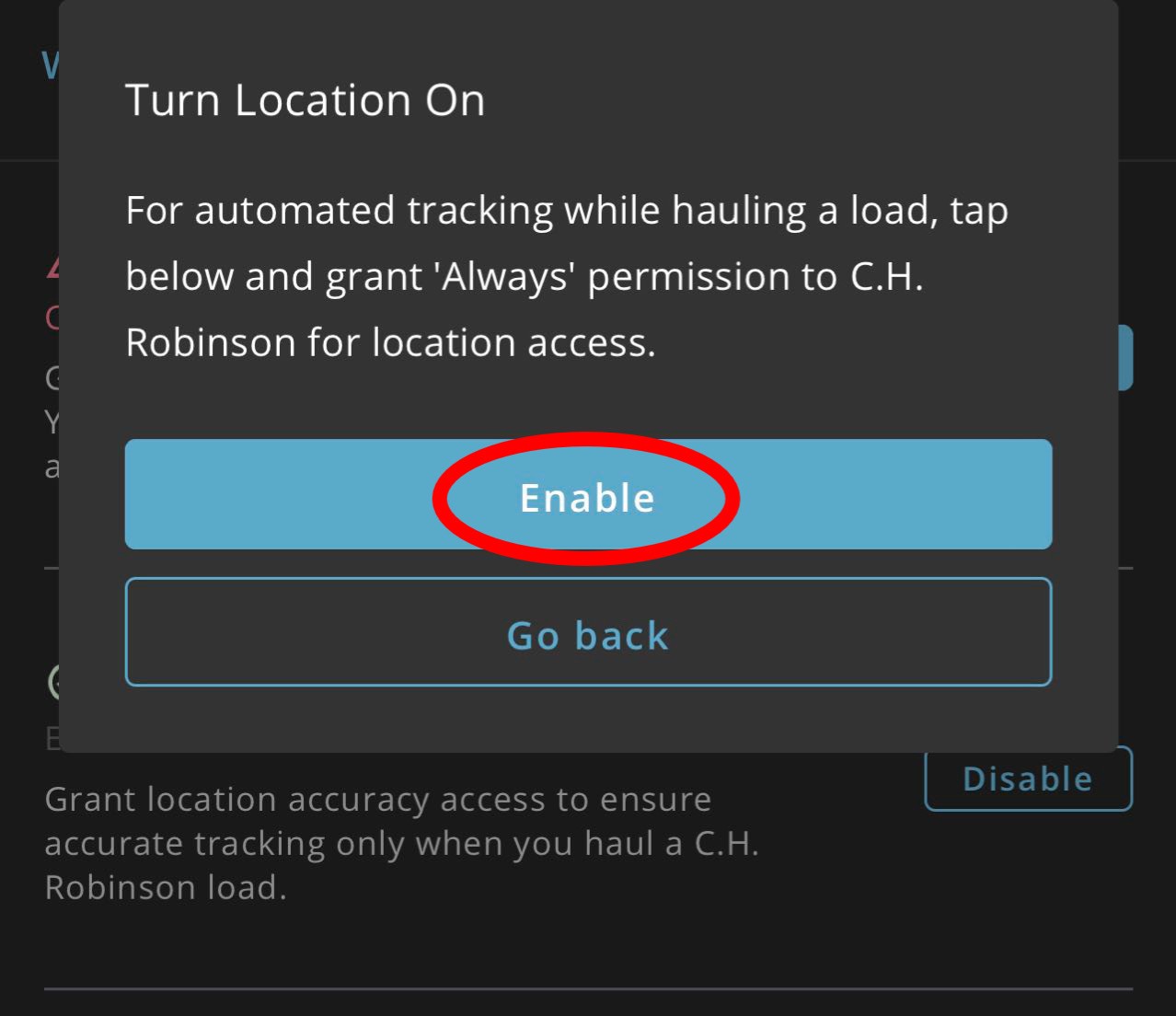
第11步:位置设置必须为始终, Always!
第12步:在 Navisphere APP 里,查看你现在的运货信息。
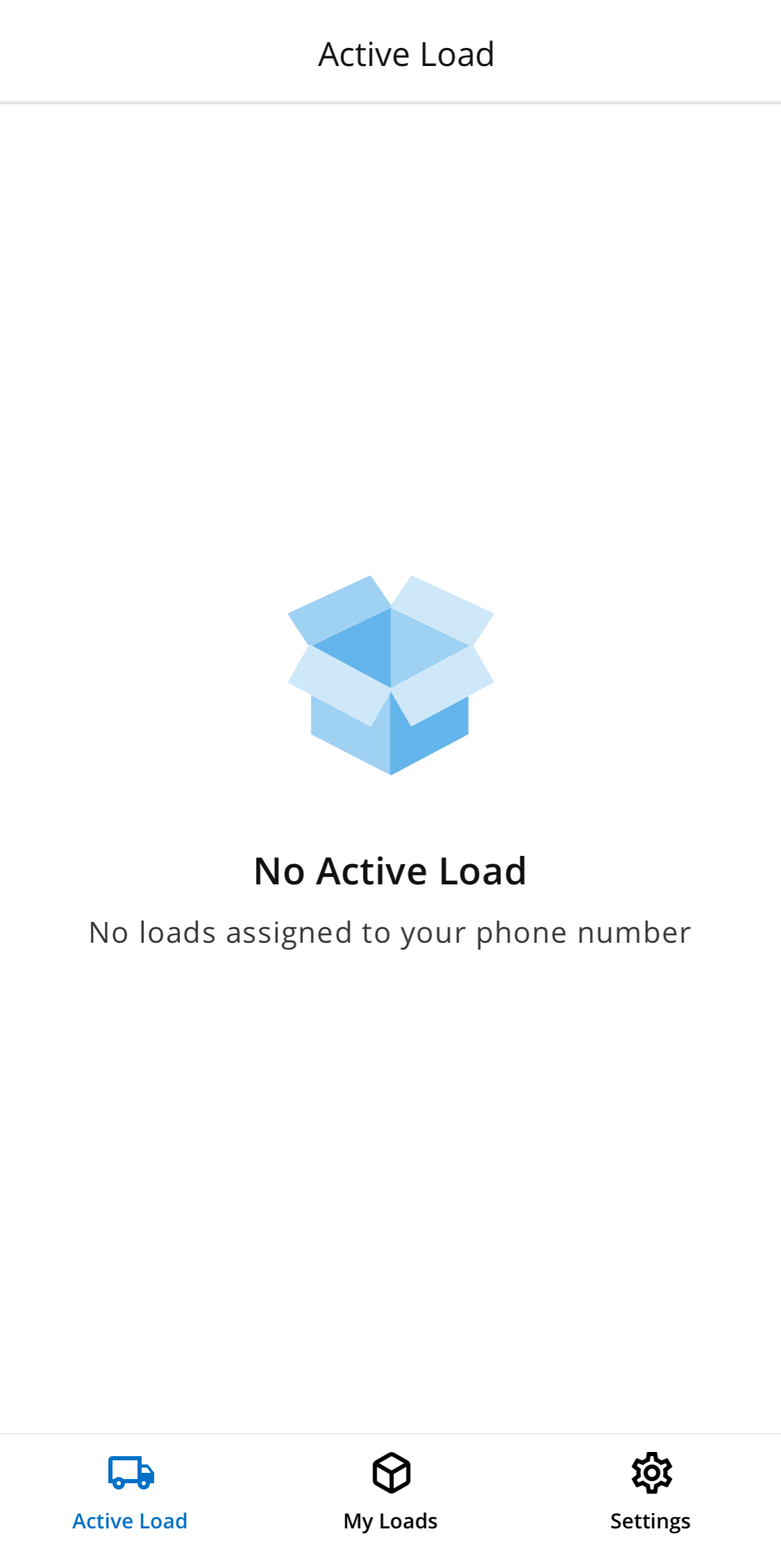
温馨提示: APP 里如果看不见货,关闭重新打开就会显示。
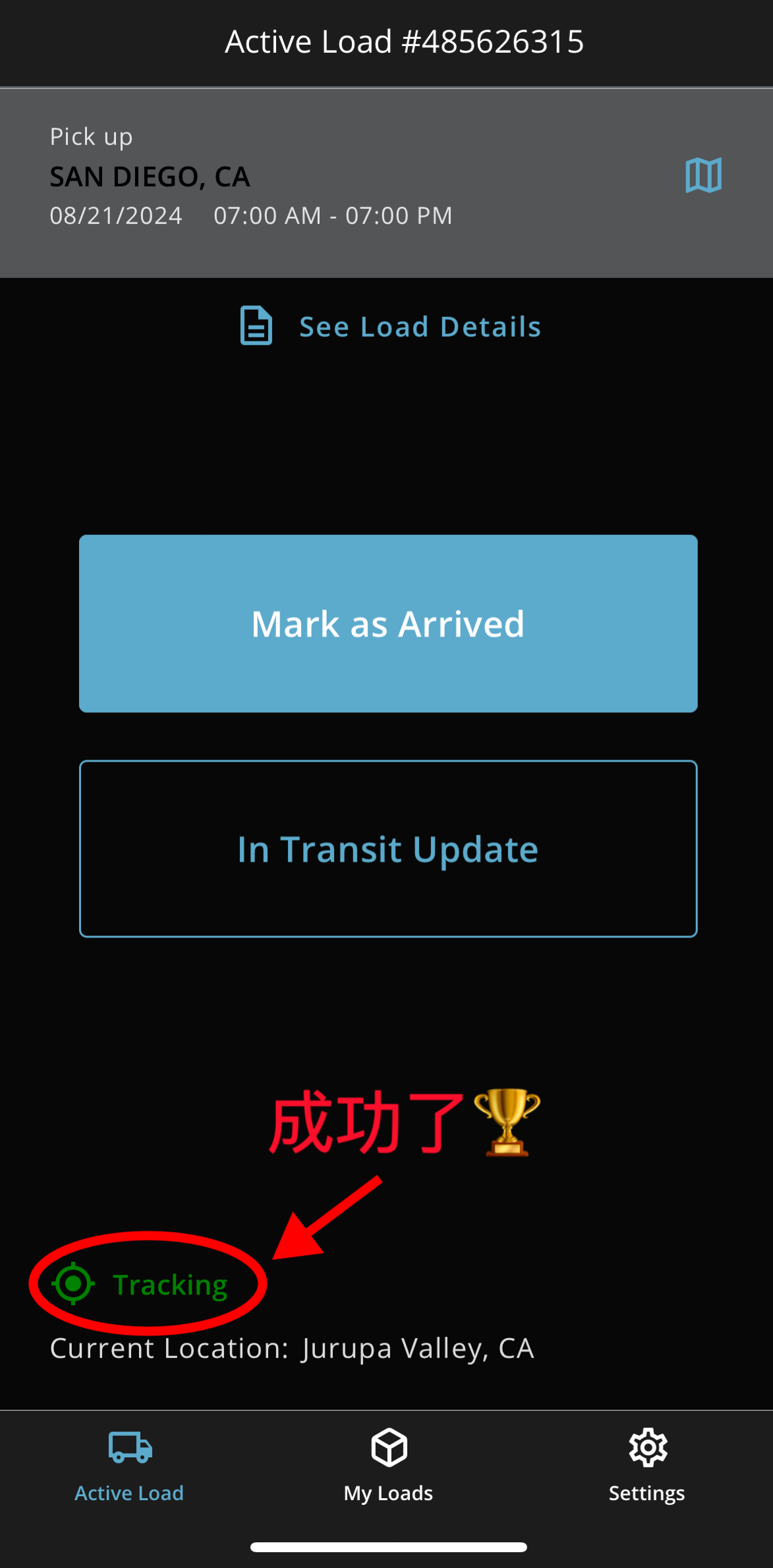
当你看到上面绿色 Tracking 后,请截屏给我们,才能去问柜厂发出提全新空柜的单子。
如果还是没好,你可以只做前4步,然后把你接收的电邮转发给我们帮助设置。
我们电邮是:bmiwang@gmail.com
顾客重要要求,谢谢理解!
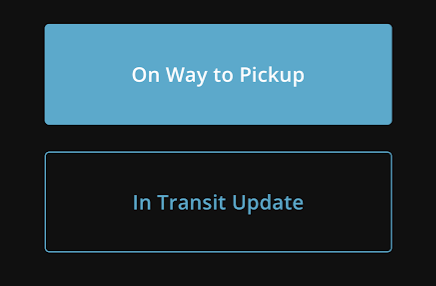
*出发了点On Way to Pickup。
*来到Pick Up提空柜子的地方,点Mark as Arrived。
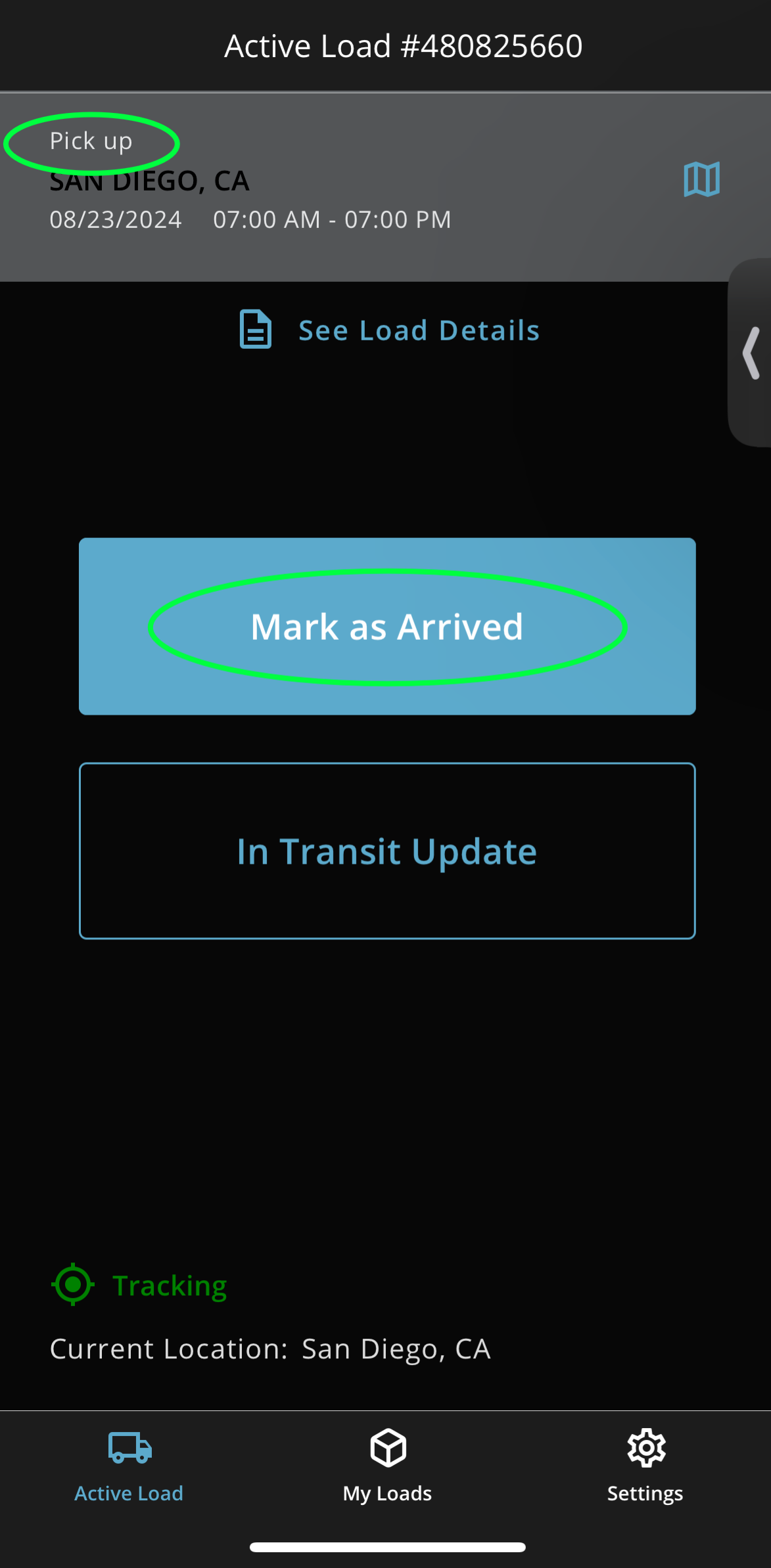
*送柜子过程中,常常点击下面In Transit Update,显示当前位置。
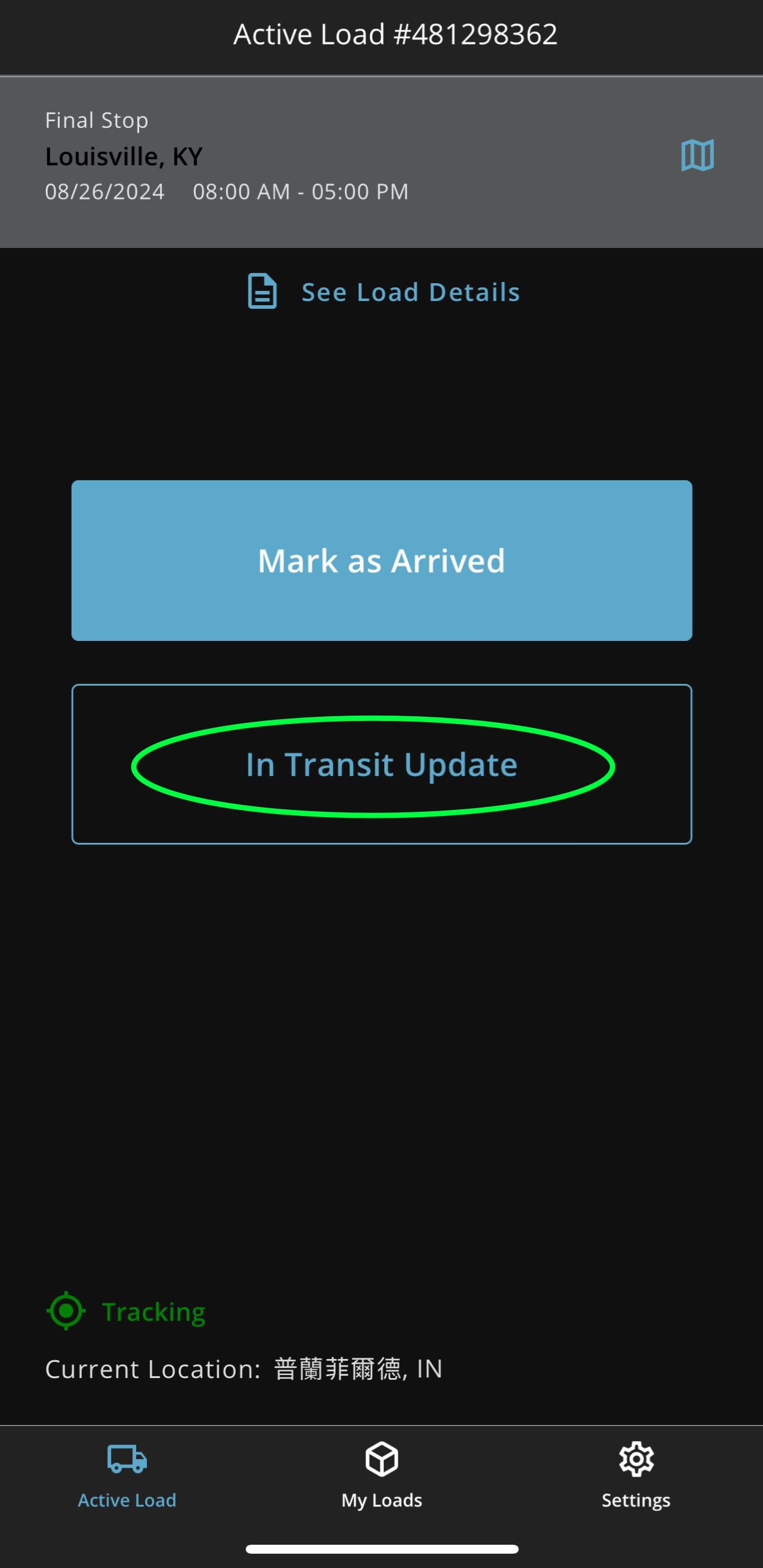
*点击下面正常时间内送到,Will arrive on time ,谢谢!
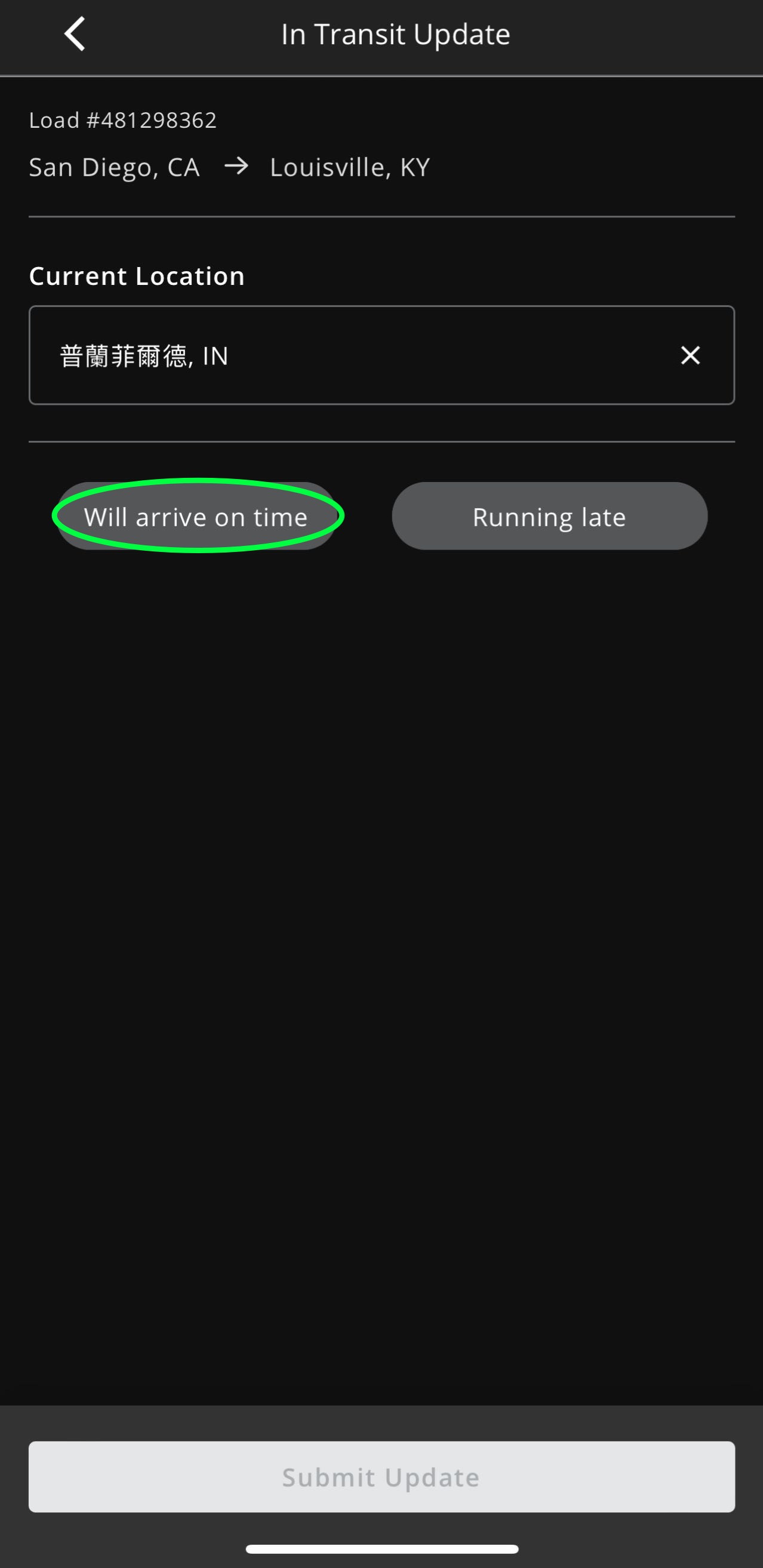
Submit Update
特别注意:需要时常点击In Transit Update更新自己所在位置。
一个例子